MIDI → DOWNLOADABLE AUDIO
MIDI to MP3.
All processing happens in your browser.
Your MIDI files are never uploaded to a server.
Choose a MIDI file to begin.
A MIDI to MP3 converter that runs entirely in your browser
Drop a .mid file, pick an instrument, and download the audio — all without uploading to a server. This tool synthesizes your MIDI note data into audio using the Web Audio API, then lets you preview and download the result.
How do I convert MIDI to MP3?
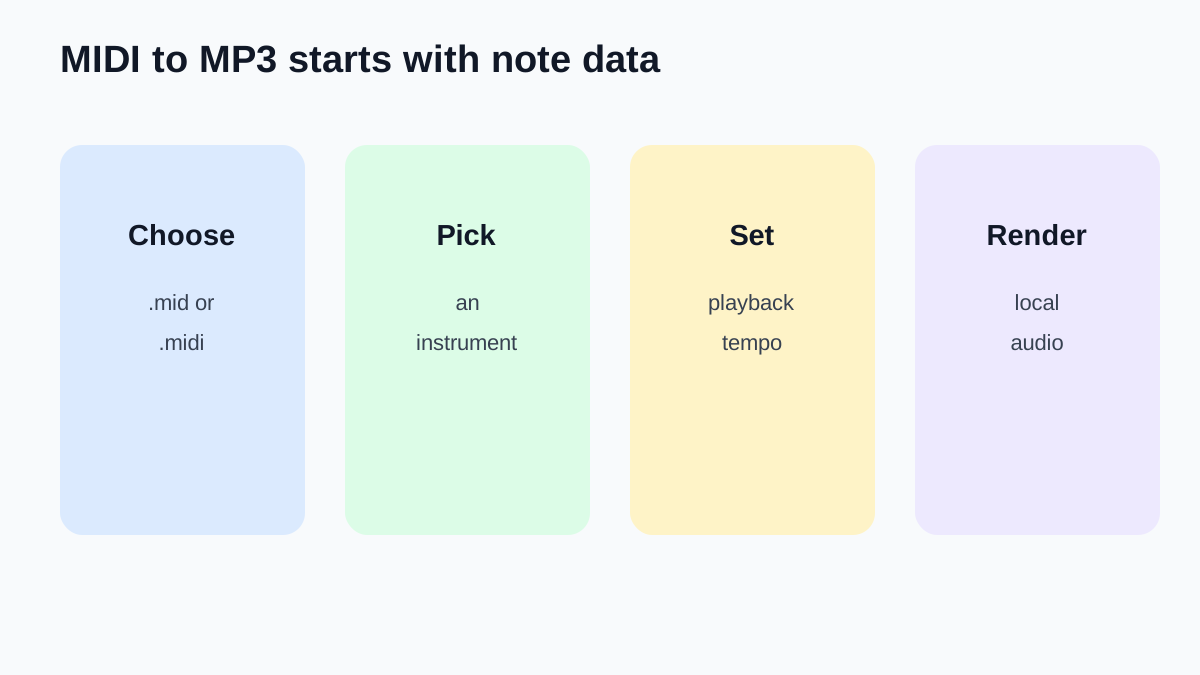
Choose a .mid or .midi file above, select an instrument, then click Convert to Audio. Preview the result, then download the rendered audio file. To convert MIDI to MP3, this tool renders the note data into audio directly in your browser — no upload, no waiting in a queue.
What format is the download?
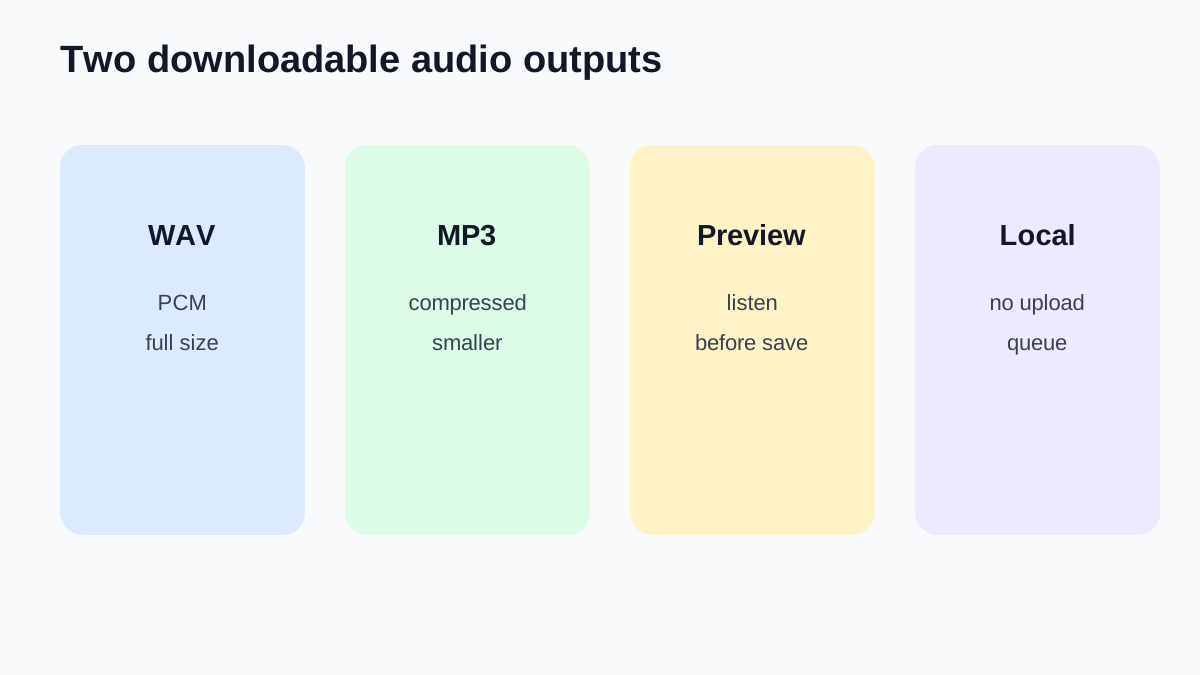
This render offers two downloads: WAV is uncompressed PCM audio from the 44.1 kHz render, while MP3 is encoded at 128 kbps for a smaller file. Both files are generated locally in your browser, and neither output is uploaded.
Can I choose instruments?
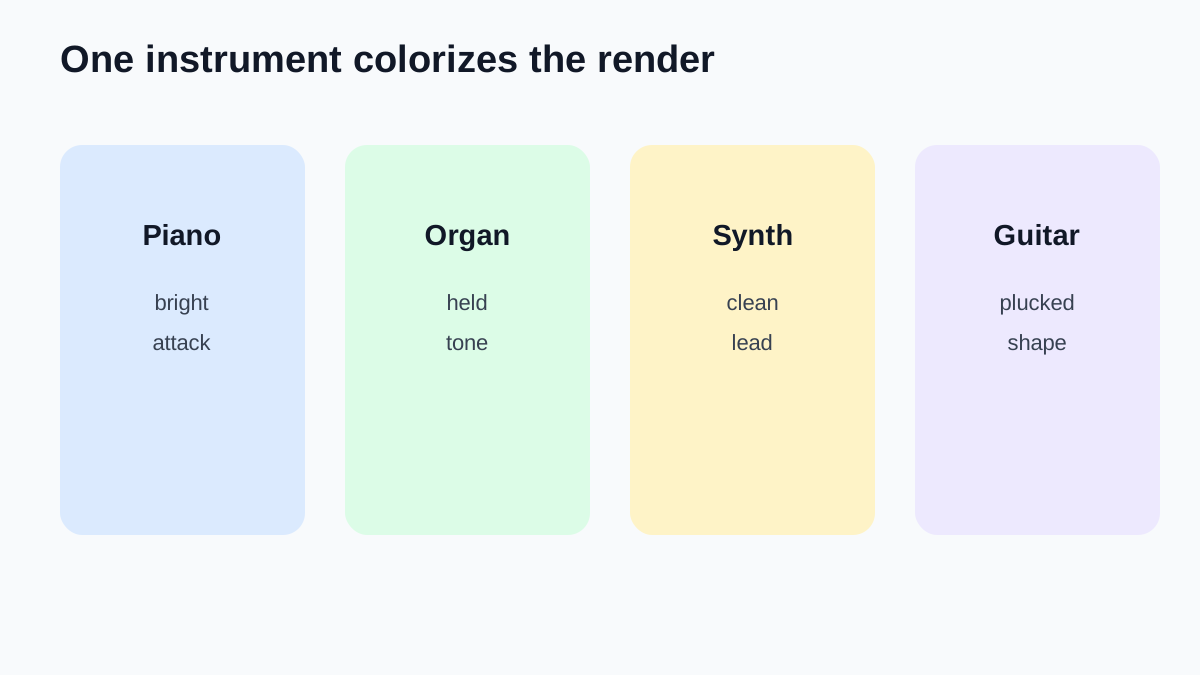
Yes. Select from Grand Piano, Electric Piano, Organ, Synth Lead, Music Box, or Acoustic Guitar. The selected instrument applies to all tracks in your MIDI file. The default is Grand Piano.
Does this tool upload my MIDI file?
No. All processing happens locally in your browser using the Web Audio API. Your MIDI file is never sent to a server, and the rendered audio is generated on your device.
Is there a file size limit?
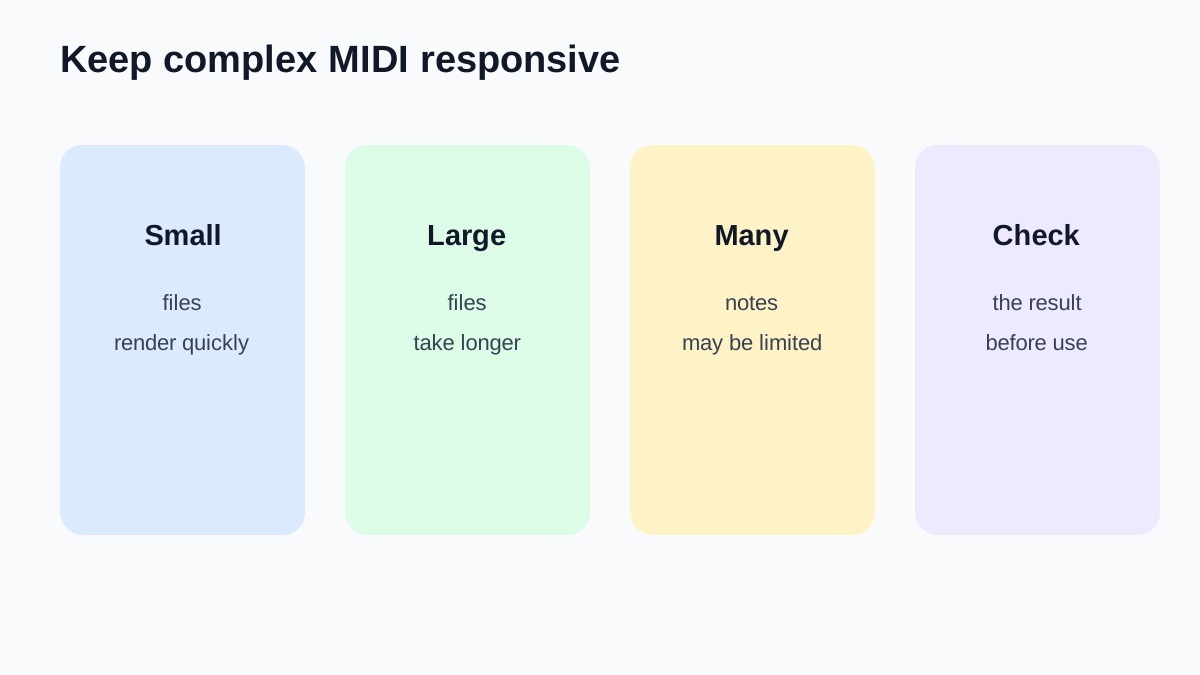
The tool handles MIDI files up to 5 MB. Very large or complex MIDI files with thousands of notes may take longer to render. If a file contains more than 2000 notes, only the first 2000 are rendered to keep the browser responsive.